McAfee Total Protection KSA: 1-Year License for 1 or 5 Devices
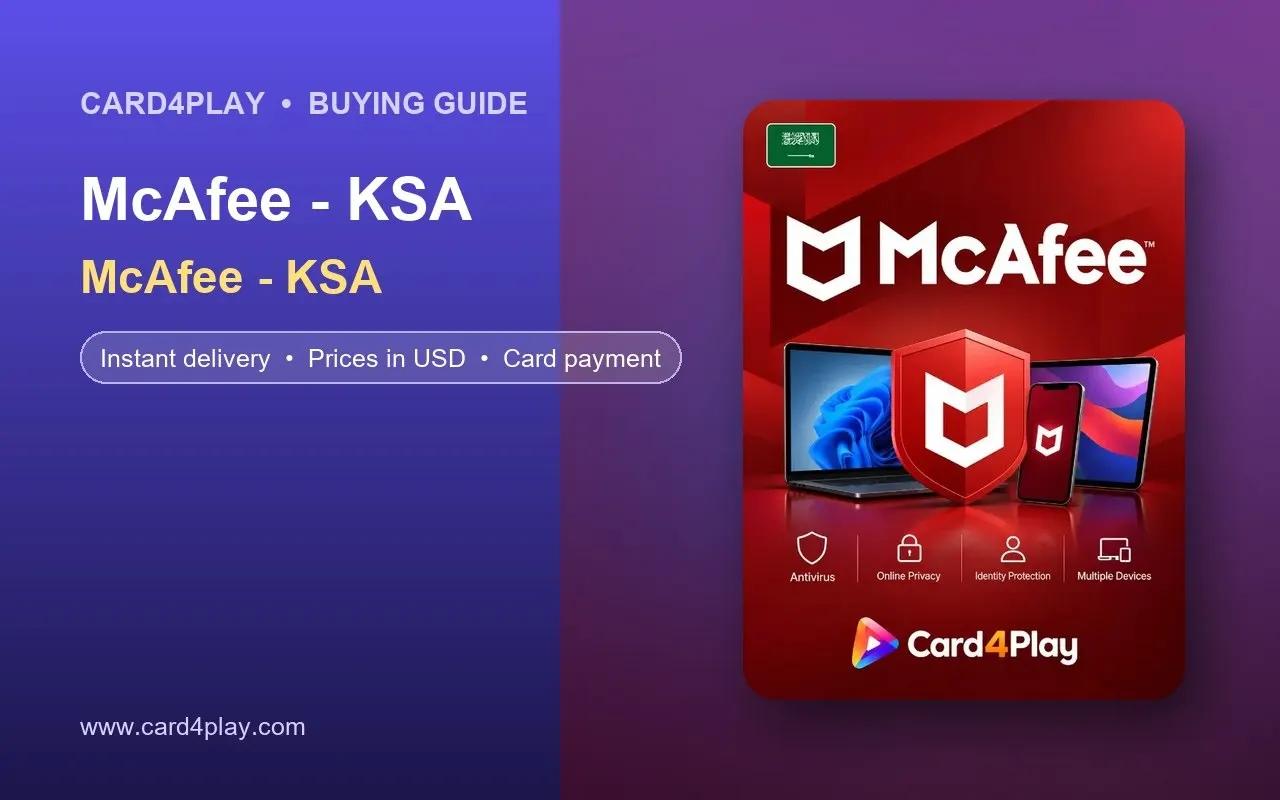
Buy a McAfee Total Protection KSA one-year license from Card4Play for 1 or 5 devices. Pay by card, get your activation key fast and secure your devices.
Choosing a McAfee Total Protection KSA license is one of the simplest ways to secure your laptop, phone and tablet against malware, phishing and identity theft for a full year. Card4Play offers the one-device and five-device editions as digital activation keys, and both are listed on the McAfee KSA product page. In this guide you will learn what Total Protection includes, how the two plans differ in price and how to activate your key in a few minutes.
What is McAfee Total Protection KSA
McAfee is one of the longest-established names in consumer security software. Total Protection is its all-in-one suite that combines real-time antivirus scanning, a firewall, web protection that blocks dangerous and phishing sites, a password manager, a secure VPN for public Wi-Fi, file shredding and identity monitoring tools, with the exact feature set depending on the edition and your platform.
The McAfee KSA listing on Card4Play is a one-year subscription sold as an activation key for customers in Saudi Arabia. The 1 Device plan covers a single Windows PC, Mac, Android or iOS device, while the 5 Devices plan lets you protect a household's worth of hardware under one account, mixing laptops, phones and tablets as needed. Protection runs for twelve months from the day you activate.
Because it is a subscription rather than a store credit, there is no balance to spend. You redeem the key once in your McAfee account, install the software on your devices and manage everything, including renewals and device changes, from the McAfee dashboard.
Packages and Prices
Two editions are available. The five-device plan works out considerably cheaper per device, so it is the better value for families or anyone with a phone, laptop and tablet.
Package | Price in USD |
|---|---|
Total Protection 1 Device - 1 Year | $27.19 |
Total Protection 5 Devices - 1 Year | $54.66 |
Prices are shown in USD. The amount on the product page at checkout is what you pay, and it may change over time in line with exchange rates and supplier pricing.
How to Buy from Card4Play
Visit the McAfee KSA page on Card4Play and read the product description to confirm the edition and duration.
Choose between Total Protection 1 Device and Total Protection 5 Devices, each valid for one year.
Add the plan to your cart, enter your email address accurately and pay with your bank card via the secure checkout.
After the payment is confirmed, your activation key is delivered to your Card4Play account and emailed to you, usually within minutes.
Go to mcafee.com/activate, sign in or create a McAfee account, enter the 25-character key and select your country as Saudi Arabia if prompted. The subscription is attached to your account immediately.
Download the installer from your McAfee dashboard, install Total Protection on each device you want to cover and sign in with the same account. For phones, install the McAfee Security app from your device's app store and log in.
Why Buy from Card4Play
Competitive pricing in USD, with the total clearly shown before you pay.
Fast digital delivery, so you can protect your devices today rather than waiting for a boxed copy.
Secure card payment through an encrypted checkout page.
Customer support available if your key is delayed or will not activate.
Serving the Middle East and customers worldwide, with region-appropriate software licenses alongside gaming and store cards.
Tips
Uninstall any other antivirus before installing McAfee. Running two security suites at once slows your computer and can cause conflicts.
Activate the key soon after purchase and note the renewal date in your calendar so protection does not lapse.
Use the five-device plan to cover family members' phones, and manage all of them from your single McAfee account.
Turn on automatic updates in the McAfee settings so new threat definitions download without you having to think about it.
FAQ
Is it safe to buy a McAfee license from Card4Play?
Yes. Payments run through a secure checkout, keys are obtained from legitimate distribution channels and customer support can assist if there is any problem with activation.
How do I redeem the activation key?
Open mcafee.com/activate, sign in or create an account, type the 25-character key and follow the prompts. Then download the software from your dashboard and install it on each covered device.
Which country is this license for?
The McAfee KSA edition is intended for customers in Saudi Arabia. Choose Saudi Arabia as your country during activation. If you live elsewhere, check the product page notes or ask support before buying.
Can I move protection to a new device?
Yes. Sign in to your McAfee account, remove the old device from the device list and install the software on the replacement. Your subscription continues as normal.
Does the subscription renew automatically?
A key bought from Card4Play covers one year. McAfee may offer auto-renewal in your account, but you can turn it off and simply buy a new key when the year ends.
Good security does not have to be complicated or expensive. With a McAfee Total Protection KSA key you cover your devices for a year in one quick step. Pick the 1 Device or 5 Devices plan on the Card4Play McAfee KSA page, pay by card and activate your protection within minutes.